Early access

A clean CSV of your HubSpot and Trello data, with the same columns every time

Drop in the HubSpot and Trello exports you already get. Sundayfile turns them into one fixed column layout, keeps a profile for each client, and gives you a clean CSV to download.

Free plan covers 1 client workspace. Your data stays in your browser.

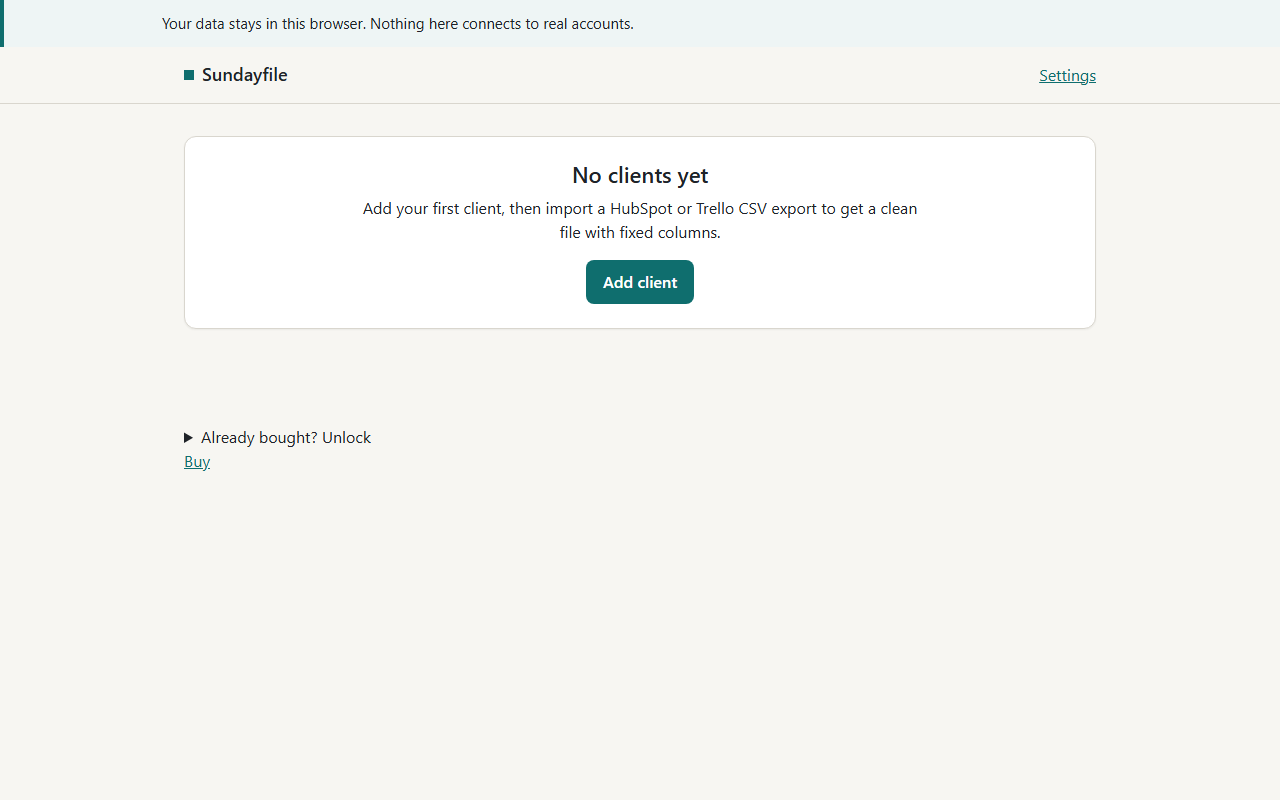
Sundayfile screenshot

The problem

Every HubSpot or Trello export comes out a little different, and the columns keep changing.

Someone on your team has to clean up and reshape the files by hand.

Clients and leadership ask for the same report again and again.

Nobody remembers which client was exported last, or when.

What it does

Add a client workspace with a name and an optional note.

Import a HubSpot contacts CSV, a HubSpot deals CSV or a Trello board CSV. Pick a file or paste the text.

Sundayfile detects the export type from the header row

You can choose the type yourself if it does not.

Common column names map to one fixed set of columns

Unknown columns are dropped. Missing ones stay empty.

Preview the clean table, then download it as client-type-date.csv.

Back up all your data to a JSON file and restore it later.

Pricing

Simple, no surprises.

Starter (1 client workspace)

$19/month

  • 1 client workspace
  • Import HubSpot contacts, HubSpot deals and Trello board CSVs
  • Same fixed column layout every time
  • Preview and download clean CSV files
  • Backup and restore as a JSON file

Agency (up to 5 client workspaces)

$49/month

  • Everything in Starter
  • Up to 5 client workspaces
  • Export-due checklist for each client, with last-exported date
  • Download all of a client's files in one click

Agency Annual (up to 5 client workspaces)

$470/year

  • Everything in Agency
  • About 20% off versus paying monthly (about two months free)

Questions

What is free?

One client workspace. You can import HubSpot contacts, HubSpot deals and Trello CSVs, see the fixed-column preview, and download the clean files.

What does paying unlock?

Pro raises the limit from 1 to 5 client workspaces. It adds an export-due checklist for each client, with a last-exported date that turns due after 7 days. It also adds one click to download all of a client's files together.

How does my data get in?

You export a CSV from HubSpot or Trello as you do now. Then you pick the file in Sundayfile or paste its text. Sundayfile cleans it into the fixed columns.

Where does my data go?

Nowhere. Everything is saved in your own browser. Nothing is uploaded to a server.

What if I clear my browser or switch computers?

Data lives in one browser on one device. Clearing browser data removes it. Use the backup button in Settings to save a JSON file, and restore it when you need it.

Are the column names guaranteed to match my export?

Sundayfile recognizes the common HubSpot and Trello header names. Unknown columns are dropped, so check the preview before you download. Your output layout stays the same every time.