Questions
Do I need an account?
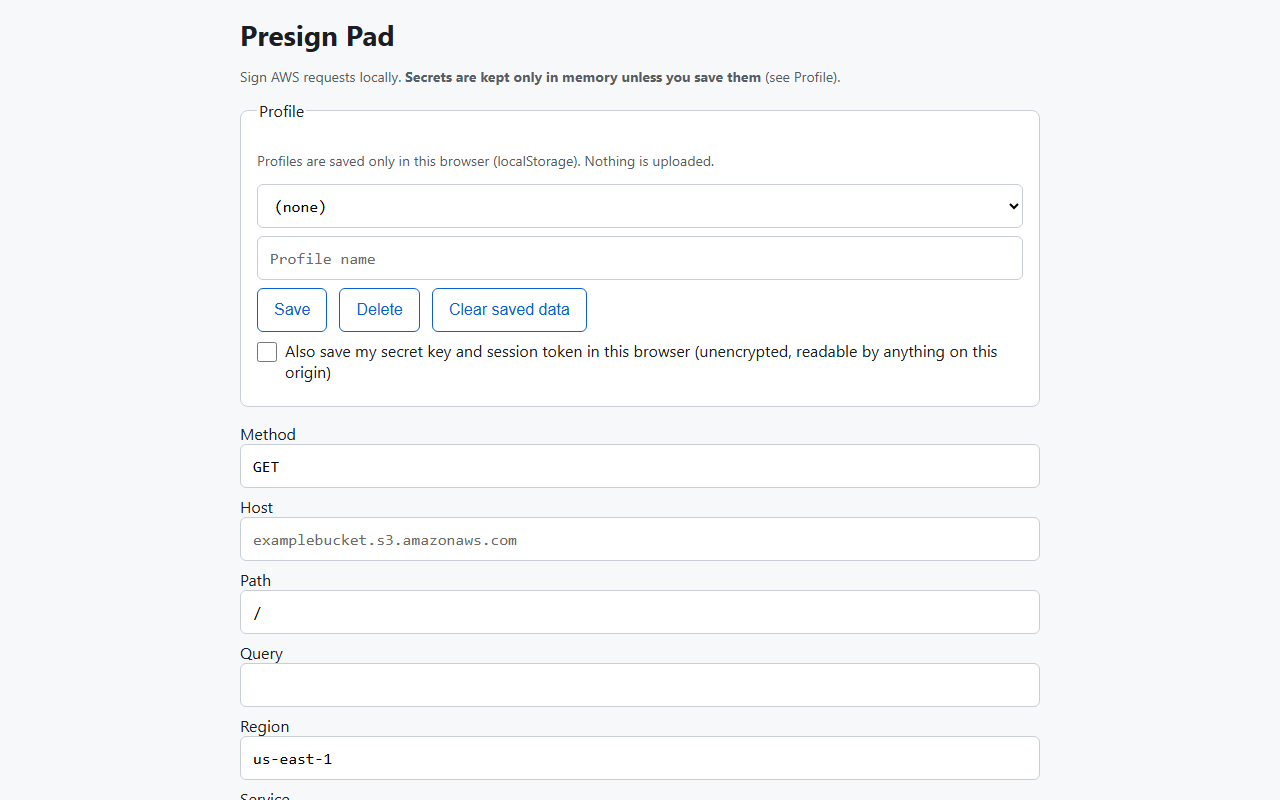
No. There is no login and no cloud sync. Presign Pad runs in your browser.
Where do my keys go?
Nowhere. The signing and explaining code makes no network calls. Your secret stays in memory unless you tick the box to save it in your browser's local storage. A warning shows when you do.
What is free and what does paying unlock?
Free covers SigV4 signing and S3 presigned URLs. Pro adds the failure explainer, the presigned URL inspector, saved profiles and curl or AWS CLI export. Pro Yearly has the same features, billed once a year.
Which services does it support?
AWS SigV4 requests and S3 presigned URLs. It does not sign for other clouds, and it does not do SigV4a.
Is it a Postman replacement?
No. It does one job: sign AWS requests and explain why they fail. It has no collections, environments, scripting or team features.
How do I check its output?
The README lists manual steps to compare the signature with the AWS CLI. We suggest you run them before you rely on it.